
Choose access
Can view reads the note. Can add inserts new blocks only. Can edit can update, check, reorder, and remove existing blocks.
SHARING GUIDE
Open a visual note from Library or Space. Its contents and permissions are identical in both views, so you can choose access once and keep working where it fits.
Open Library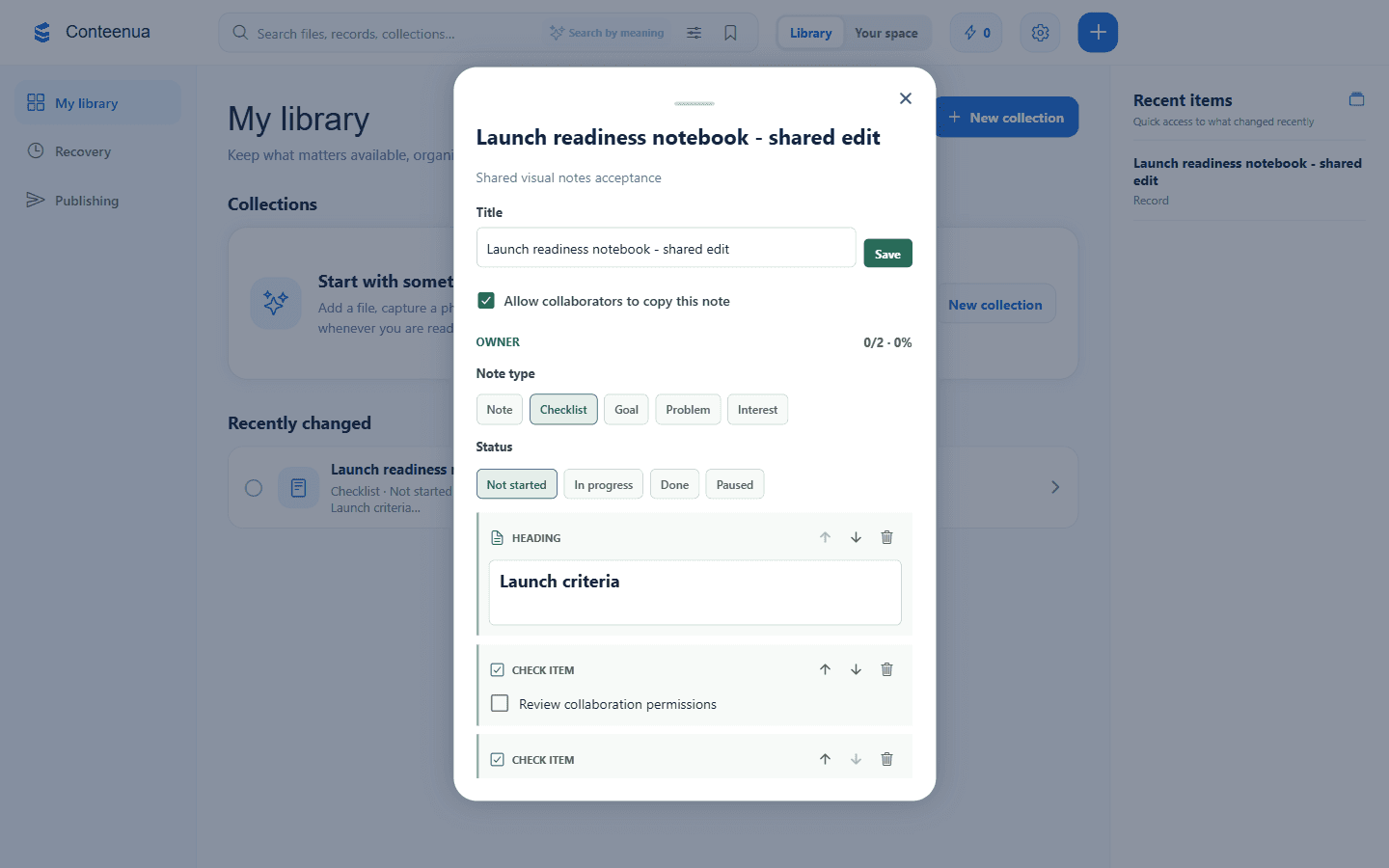
Can view reads the note. Can add inserts new blocks only. Can edit can update, check, reorder, and remove existing blocks.
New saved versions refresh for everyone viewing the note. If the same block changed first, your local draft stays available for review.
Choose Copy to my Library for an independent note. Later changes to either note do not overwrite the other.
Sharing never transfers ownership. Realtime presence shows who is viewing; database permissions decide what each person can change.